Supported Domains
Cars to Marine
A modular platform covering passenger cars, bikes, trucks, and marine platforms.
Elevate your workshop with the ultimate all-in-one programming solution. FLEX adaptively handles ECU and TCU recalibrations via OBD, Bench, and Boot modes, offering unparalleled stability and the most extensive vehicle list in the industry.
Supported Domains
A modular platform covering passenger cars, bikes, trucks, and marine platforms.
Architecture
Configure software packages that match your workshop scope and growth plan.
Safety Focus
Designed for controlled Bench/Boot work with reliable backup and restore flow.
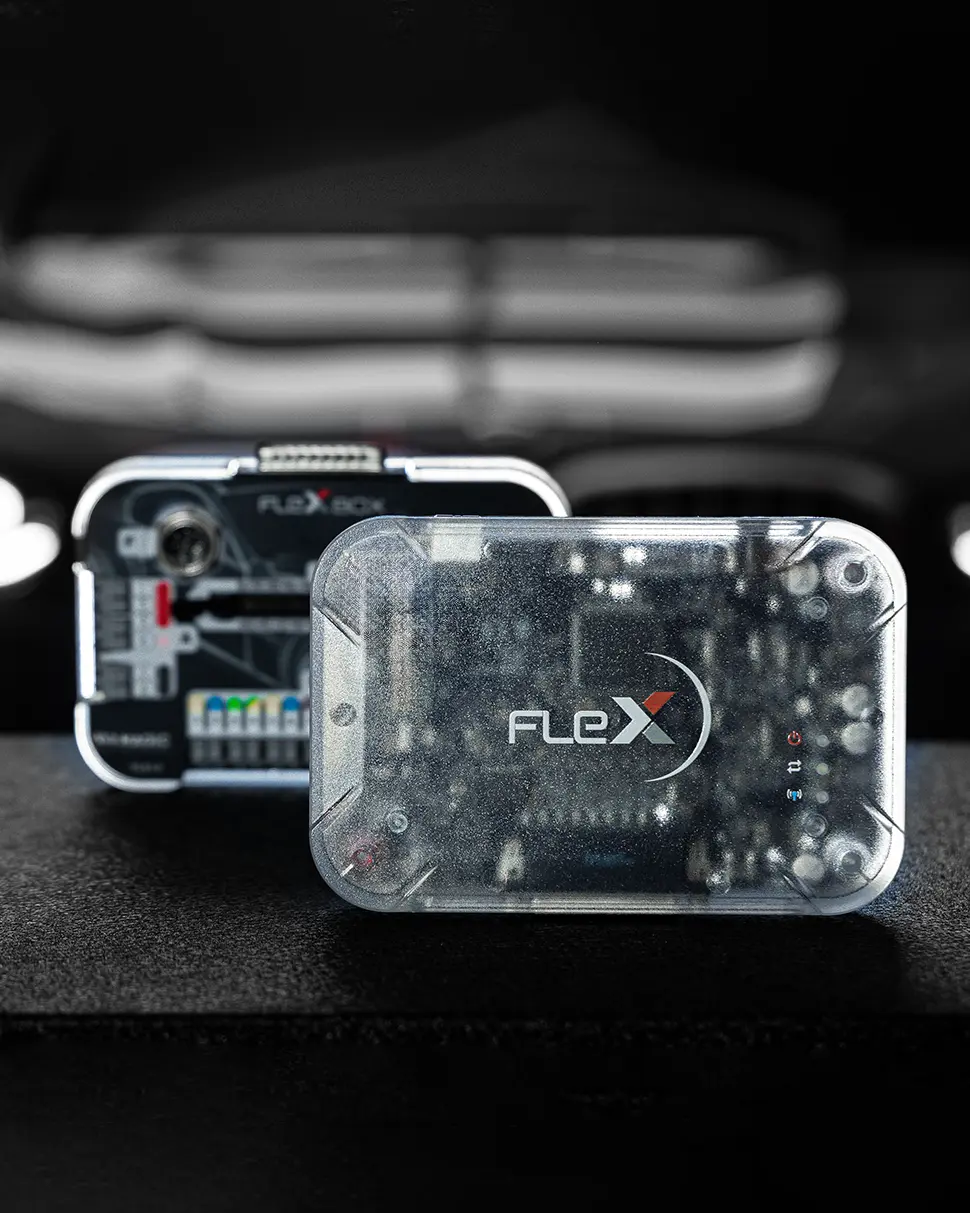
FLEX is the revolutionary solution for ECU and TCU programming, designed to make the work of tuning professionals faster and safer.
MagicMotorsport FLEX is more than just a tool; it is a modular ecosystem that allows you to customize your hardware based on your workshop's specific needs. Whether you are working on Cars, Bikes, Trucks, or Marine engines, FLEX provides the ultimate interface for OBD, Bench, and Boot mode operations.
In a high-pressure tuning environment, security is everything. FLEX is engineered with a focus on risk-free programming. Its advanced hardware architecture ensures stable communication with the latest generation of ECUs, including complex Bosch MD1/MG1 and Delphi units. With the ability to perform full backups and cloning, it acts as a safety net for every calibration job.
Significantly reduces reading and writing times compared to traditional tools.
Full access to ECU/TCU internal memory without opening the unit casing.
One of FLEX’s greatest strengths is its intuitive software interface. It guides the user with high-definition connection manuals and interactive diagrams, virtually eliminating the risk of incorrect wiring. For workshops looking to expand, the "Slave" to "Master" upgrade path provides a flexible business model that grows with your expertise.
FLEX also integrates seamlessly with the MagicMotorsport Helpdesk, giving you access to professional file services and technical support. This makes it the ideal choice for both established tuning centers and newcomers who want to provide OEM-level reliability to their customers.
In summary, MagicMotorsport FLEX is the professional benchmark for those who demand versatility. It combines ease of use with surgical precision, ensuring your workshop is ready for the future of automotive software engineering.
Hardware Base Unit (€1,100) is automatically included.
The all-in-one programming tool developed for race engine calibration and the professional repair of vehicle electronic control units.
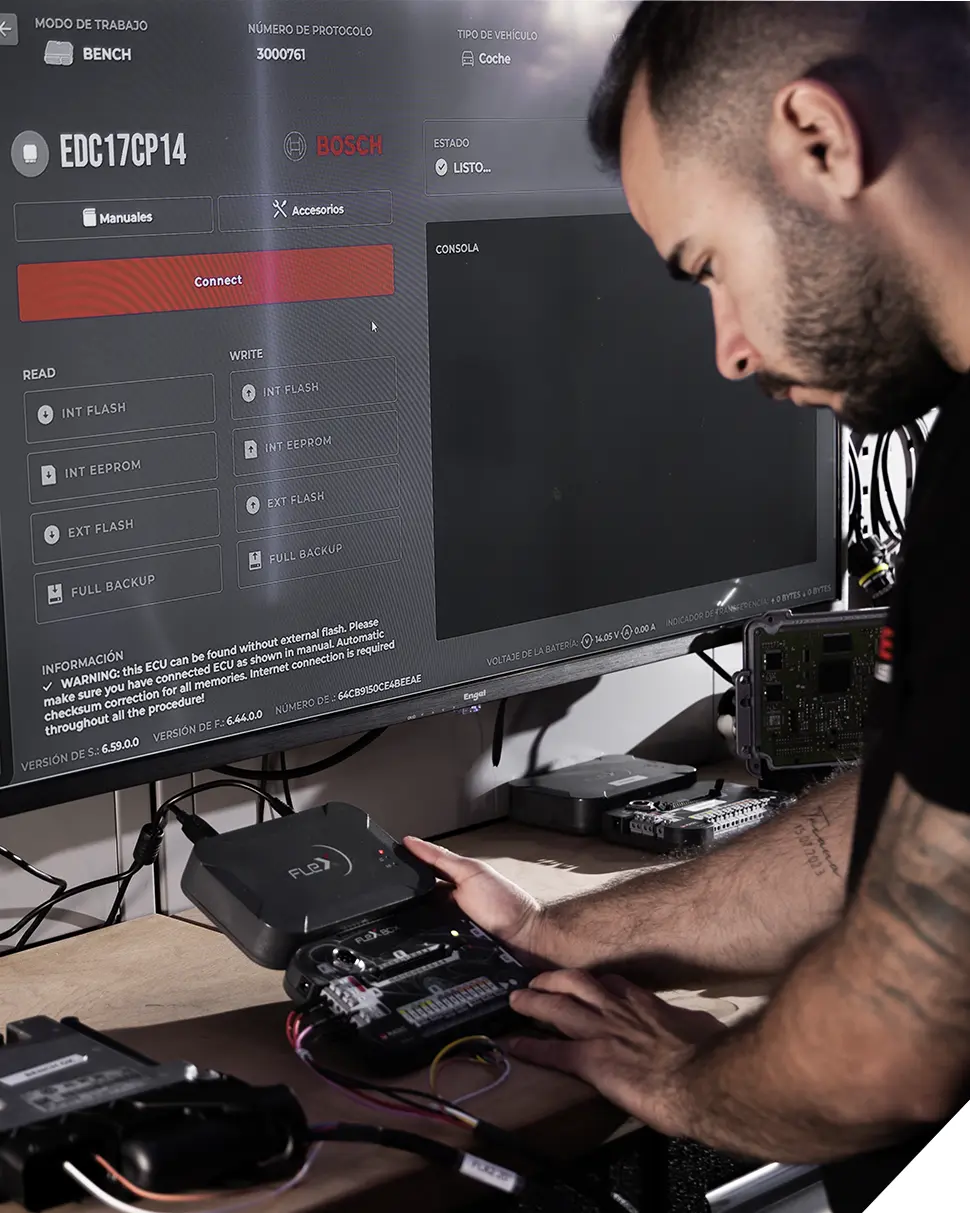
The hardware is universal, but your Flex is unique. Personalize your tool with **your company logo** and choose your preferred color to match your shop's identity.
The essential tool for every mechatronic professional. Program engine and transmission units with maximum stability.
From quick OBD modifications to precision Boot operations, Flex adapts to your specific workload and technical needs.
Daily updates for cars, motorcycles, trucks, and more. Stay ahead with the most comprehensive protocol list in the industry.
Access a massive knowledge base and expert support team ready to suggest the best solutions for your calibration tasks.
The hardware is the same, the power is in the license. Choose your path.
Select your hardware and software package. Don't forget to add your logo!
Create an account on the Magicmotorsport Helpdesk platform.
Enter your Serial Number after receiving the hardware to activate your license.
Search for your vehicle, choose the protocol, and begin your calibration.
From protocol discovery to final write, FLEX keeps every step visible and repeatable.
Step 1
Identify the ECU/TCU target quickly with guided connection references.
Step 2
Capture original files before calibration work to preserve recovery options.
Step 3
Apply calibrated files and validate operation with clean post-write checks.
Contact us with your business details and desired vehicle coverage. We will guide you through configuration, pricing, and activation.
WhatsApp / Phone: +1 203-675-3423
Email support available upon request